About Course
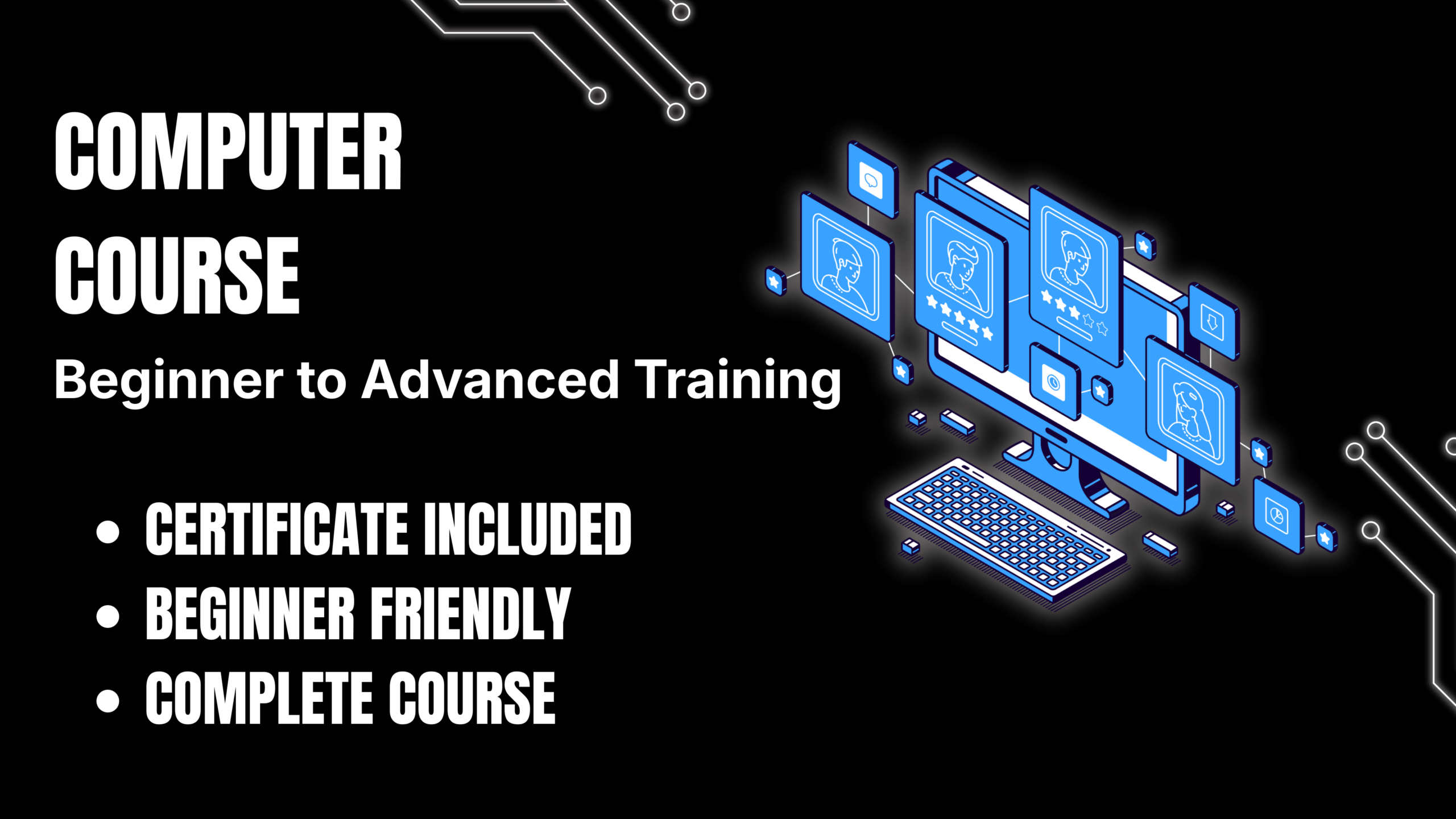
The Basic to Advanced Computer Course is a complete training program designed to help beginners and professionals develop strong computer skills from the fundamentals to advanced-level applications. In today’s digital world, computer knowledge is essential for education, business, freelancing, and professional growth.
This course starts with the basics of computer operations, including hardware components, operating systems, file management, internet usage, and essential computer settings. You will learn how to confidently use a computer, manage files, install software, troubleshoot common issues, and maintain system performance.
As you progress, the course covers advanced topics including Microsoft Office applications, online productivity tools, cybersecurity basics, cloud services, data management, computer networking fundamentals, and digital workplace skills. You will gain practical experience with commonly used software and learn how to improve productivity through efficient computer usage.
The course is designed with hands-on learning in mind, allowing you to practice real-world tasks such as creating professional documents, managing spreadsheets, preparing presentations, using online platforms, securing your digital information, and performing everyday computer operations.
By the end of this course, you will have the confidence and practical skills to use computers professionally for education, office work, freelancing, business tasks, and personal productivity. Whether you are a complete beginner or want to upgrade your existing skills, this course provides a strong foundation for success in the digital world.
Course Content
Basic to Advanced Computer
-
Introduction to Computers
40:00 -
History and Evolution of Computers
55:01 -
Types of Computers
01:04:00 -
Computer Hardware Components
48:50 -
Understanding CPU, RAM & Storage
40:35 -
Input and Output Devices
54:32 -
Installing and Understanding Operating Systems
45:35 -
Windows Operating System Basics
43:26 -
Windows Settings and Configuration
37:51 -
File and Folder Management
41:55 -
Installing and Uninstalling Software
44:21 -
Managing Drivers and Updates
52:14 -
Computer Maintenance & Troubleshooting
52:00 -
Basic Computer Security
46:00 -
Internet Fundamentals
53:00 -
Web Browsing and Search Techniques
27:34 -
Email Account Setup and Management
58:00 -
Online Safety and Privacy
43:00 -
Microsoft Word Basics
25:05 -
Advanced Microsoft Word Features
53:00 -
Creating Professional Documents
40:39 -
Microsoft Excel Basics
54:00 -
Excel Formulas and Functions
54:11 -
Data Management in Excel
54:42 -
Excel Charts and Visualization
42:02 -
Advanced Excel Techniques
54:22 -
Microsoft PowerPoint Basics
45:39 -
Creating Professional Presentations
40:53 -
PowerPoint Design and Animation
46:25 -
Introduction to Computer Networking
38:00 -
LAN, WAN & Network Devices
36:52 -
Wi-Fi Setup and Configuration
34:03 -
Cloud Computing Basics
38:46 -
Google Drive and Cloud Storage
40:00 -
Introduction to Programming Concepts
40:05 -
Basics of HTML & Web Pages
31:38 -
Introduction to Databases
38:37 -
Database Management Basics
26:48 -
Introduction to Cyber Security
38:11 -
Password Security and Data Protection
30:15 -
Introduction to Artificial Intelligence
33:22 -
Using AI Tools for Productivity
43:00 -
Digital Skills for Freelancing
47:30 -
Online Communication Tools
23:13 -
Computer Skills for Office Work
45:09 -
Advanced Troubleshooting Techniques
50:00 -
Practical Computer Projects
22:20 -
Final Assessment & Complete Computer Skills Project
15:13
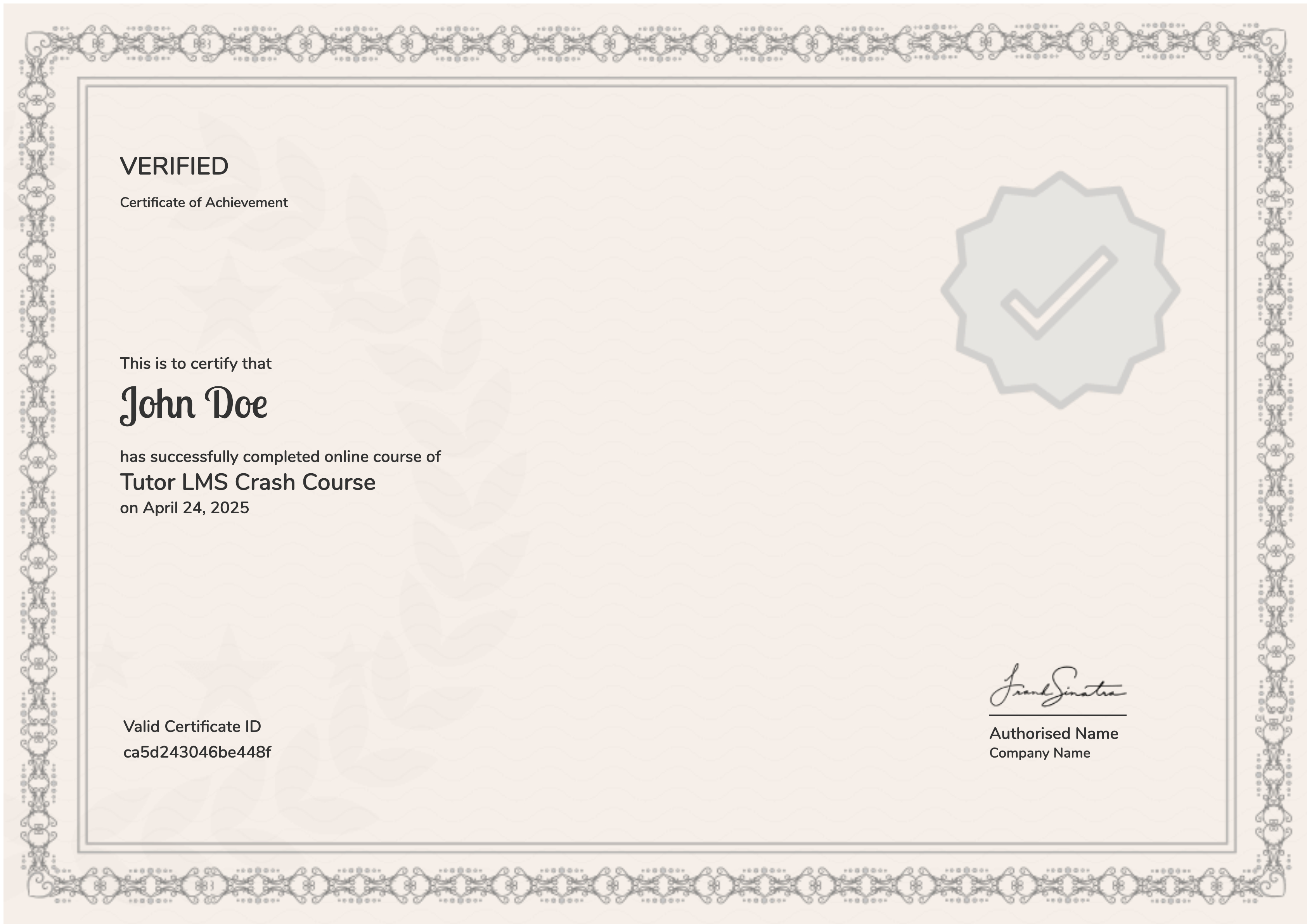
Earn a certificate
Add this certificate to your resume to demonstrate your skills & increase your chances of getting a job.
Student Ratings & Reviews